
Start with an audience list, not a folder cleanup
Pick a small set of documents that people need regularly and list the intended audience beside each one. For example, an approved community newsletter may be prepared for public sharing, while a working board packet may need a different audience. These are planning examples, not legal classifications: confirm disclosure obligations, privacy requirements, and restrictions for your association before deciding.
Give one board member responsibility for maintaining the list and another responsibility for checking unusual or sensitive files. Keep questions in an exception list instead of silently guessing which audience is appropriate.
- Document name and purpose
- Approved version and approval date, if applicable
- Intended audience and reviewer
- Folder or location
- Open questions before release
Understand the difference between owner access and public access
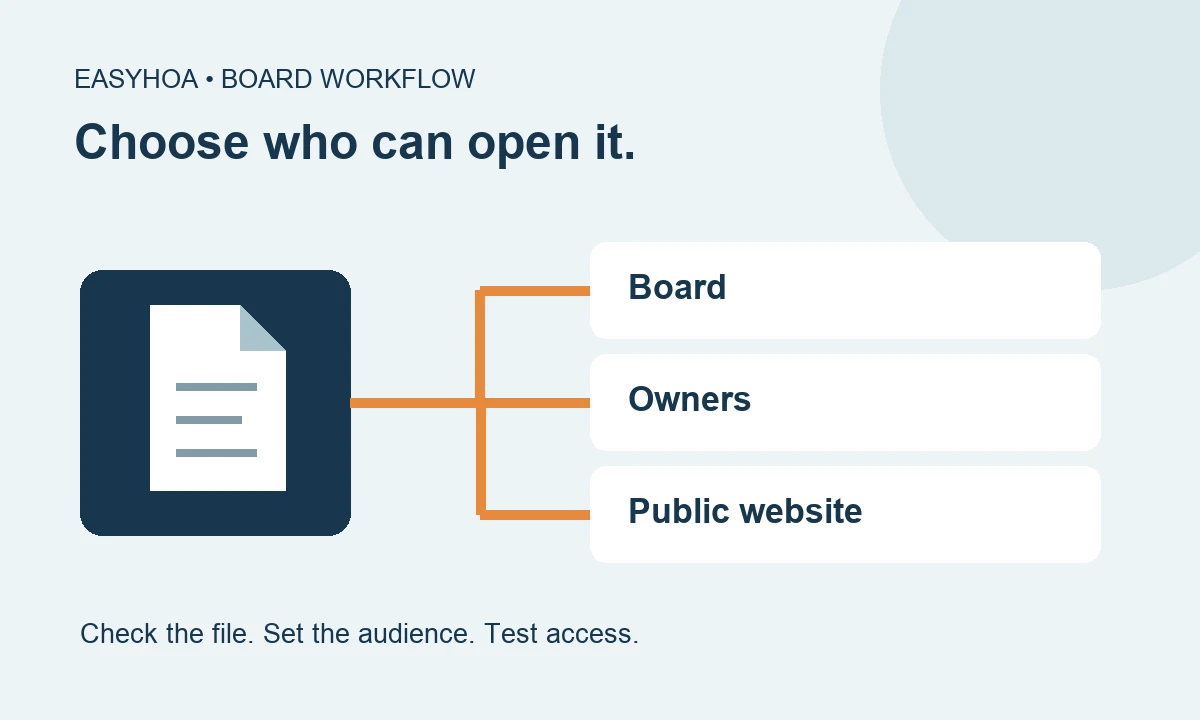
EasyHOA’s Help Center describes folder sharing with Website, Owner, both, or neither. Website makes folder contents available to the public through the association website. Owner makes them available through the signed-in owner portal. Selecting both enables both audiences; selecting neither leaves access in the board portal. The Help Center says document access is controlled by placing documents in a designated folder.
Treat those settings as a publishing decision. A folder called “Private” should never be assumed private because of its label. Review the actual setting before moving files into it, and consult the linked Help Center instructions when configuring the folder.
Give approved files names that explain what they are
Use a consistent pattern such as year-month-day, subject, and status. A fictional example is 2026-11-23-community-newsletter-approved.pdf. Keep draft and approved versions distinguishable so that a volunteer does not share a working copy merely because it appears first in a search.
Maintain a small index with the current file’s location and the person responsible for updates. If you replace a document, check any announcement or resource page linking to the old location. Decide how superseded copies should be retained under your association’s record policy rather than deleting them as part of an informal cleanup.
Check the entire file before making it available
Open the file that will actually be shared. Look at every page, attachments, and exported comments. Confirm that it matches the intended audience and that the title and date describe the contents. A packet can contain an appropriate cover page and an attachment that should not go to the same readers.
When a record needs professional review or redaction, keep it out of the sharing queue until that review is finished. Do not treat hiding text visually or changing the filename as proof that sensitive information has been removed. This checklist organizes the work; it does not determine what the association is legally required to disclose.
- Is this the correct, approved version?
- Does every attachment belong with this audience?
- Are names, dates, and links accurate?
- Is the document readable on a phone?
- Has the reviewer resolved outstanding questions?
Test what the reader can actually open
Use a harmless sample document first when testing a new sharing arrangement. Ask an authorized owner to confirm the owner-facing experience, and check the public website while signed out. A board member viewing a file from an administrator account cannot establish what an owner or public visitor can see.
Record the folder checked, the audience tested, the result, the reviewer, and the date. If a document appears in the wrong place, correct the sharing arrangement and retest before announcing it. Report any suspected exposure through the association’s established process rather than assuming a corrected setting resolves every consequence.
Make the next board’s handoff easier
Include the folder index, naming convention, review responsibilities, and unresolved exceptions in the board handoff packet. Recheck responsibilities when volunteers change roles. Schedule a short recurring review of frequently used folders so that new files follow the same process.
Start with one folder this week. Verify its audience, clean up confusing names without destroying required records, and ask a second person to test access. Once the process is clear, repeat it across the rest of the library.
Sources & further reading
Keep exploring
Created with AI assistance for EasyHOA. Sources are linked above; community procedures should reflect your association’s circumstances.
← All articles